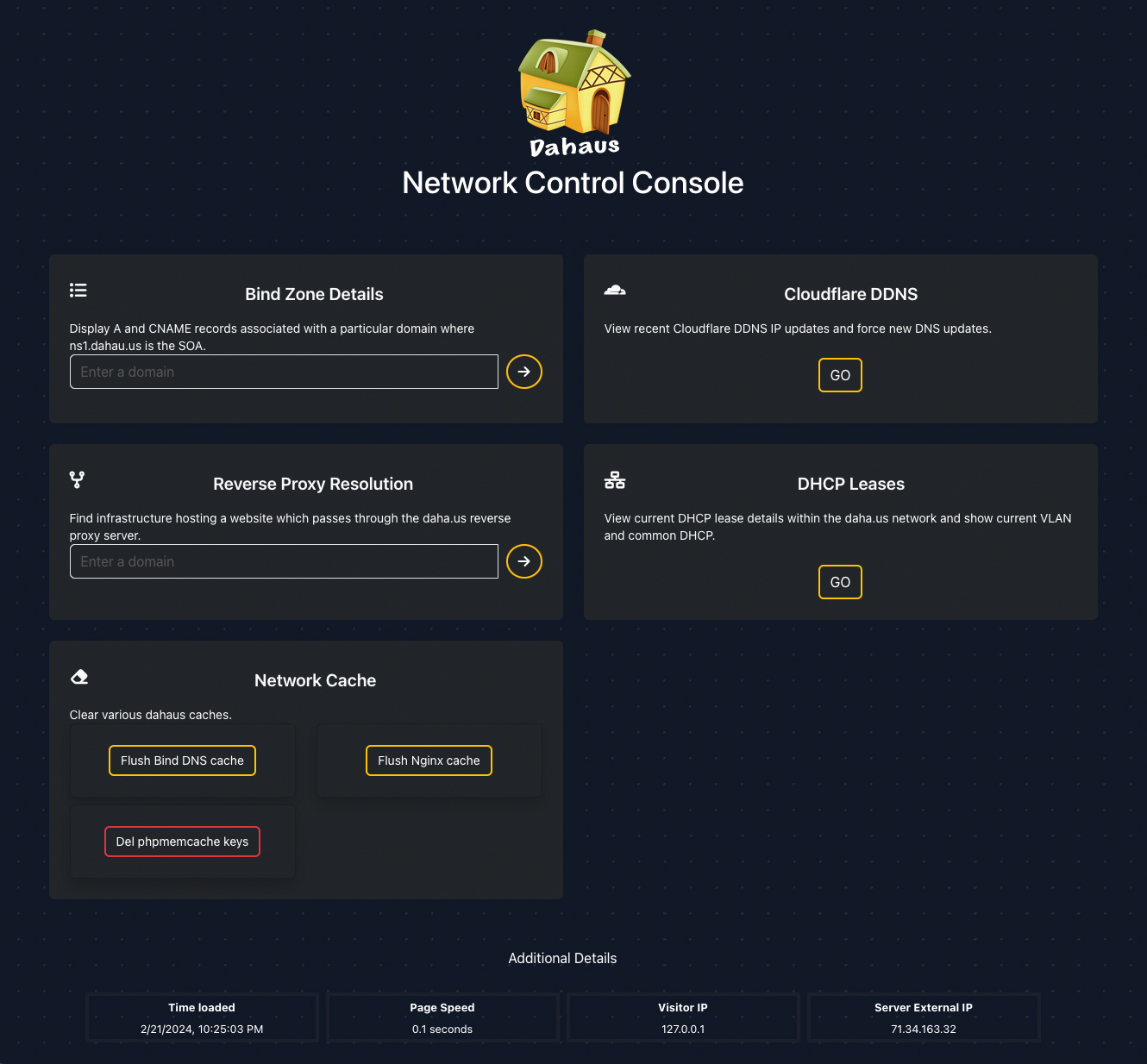
Network Control Console
A network services managment and info panel
I decided to develop "Network Control Console" to resolve some annoyances I have by providing easy access to network details and services. It was a personal project where I could program against Bind DNS, isc-dhcp, nginx reverse proxy server configurations, cloudflare dns, and more.
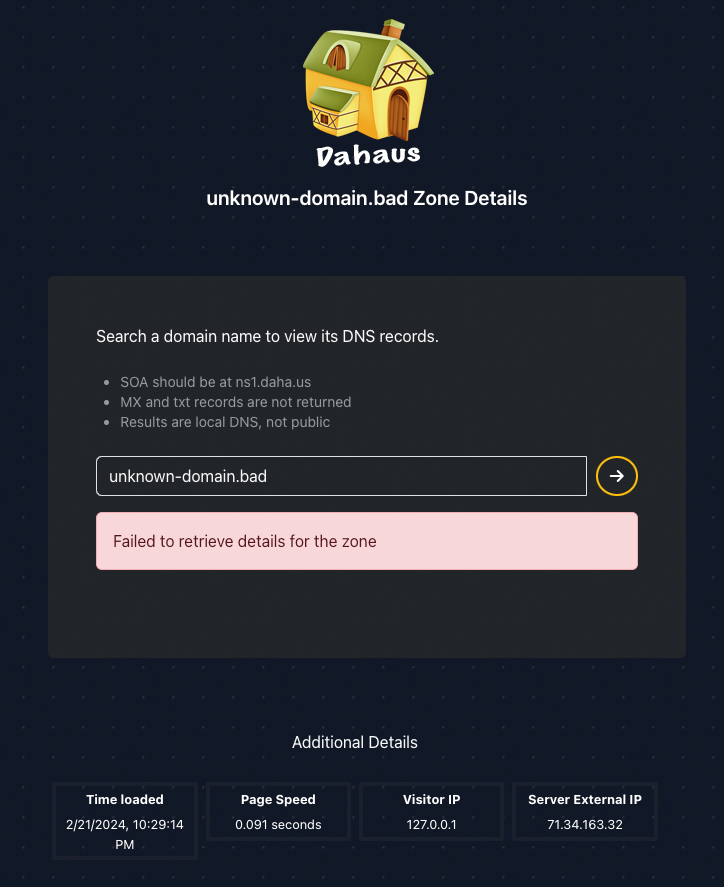
Bind Zone Details
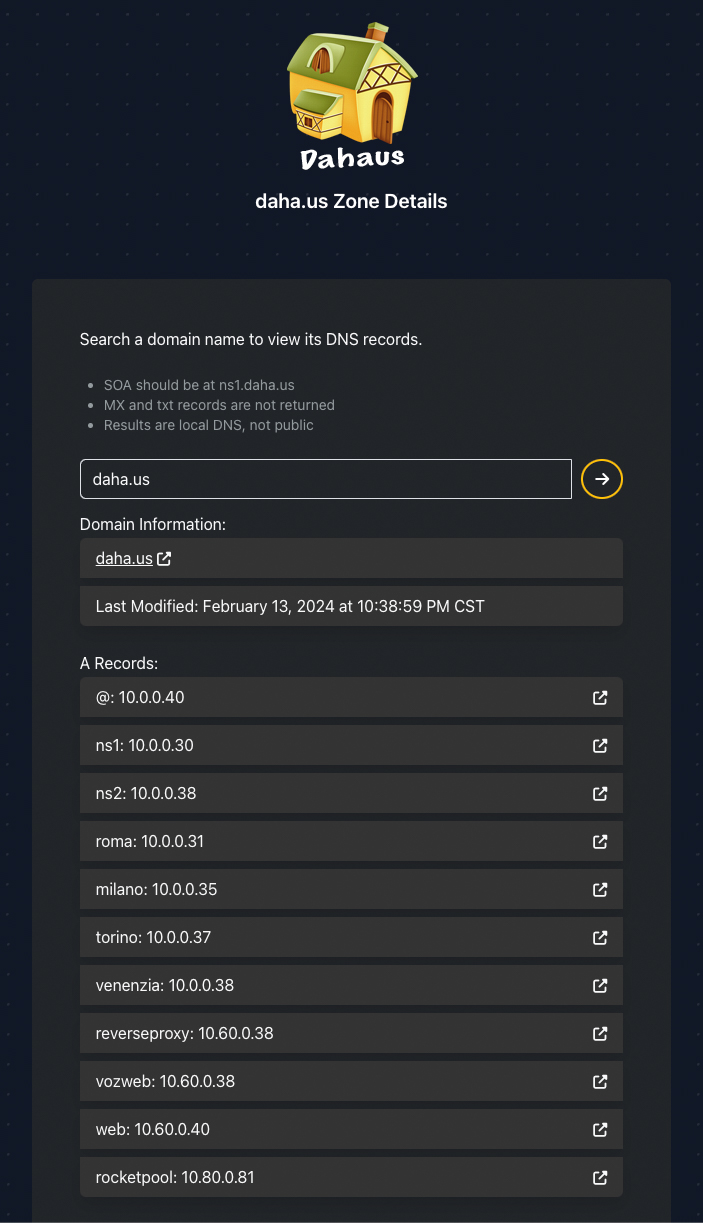
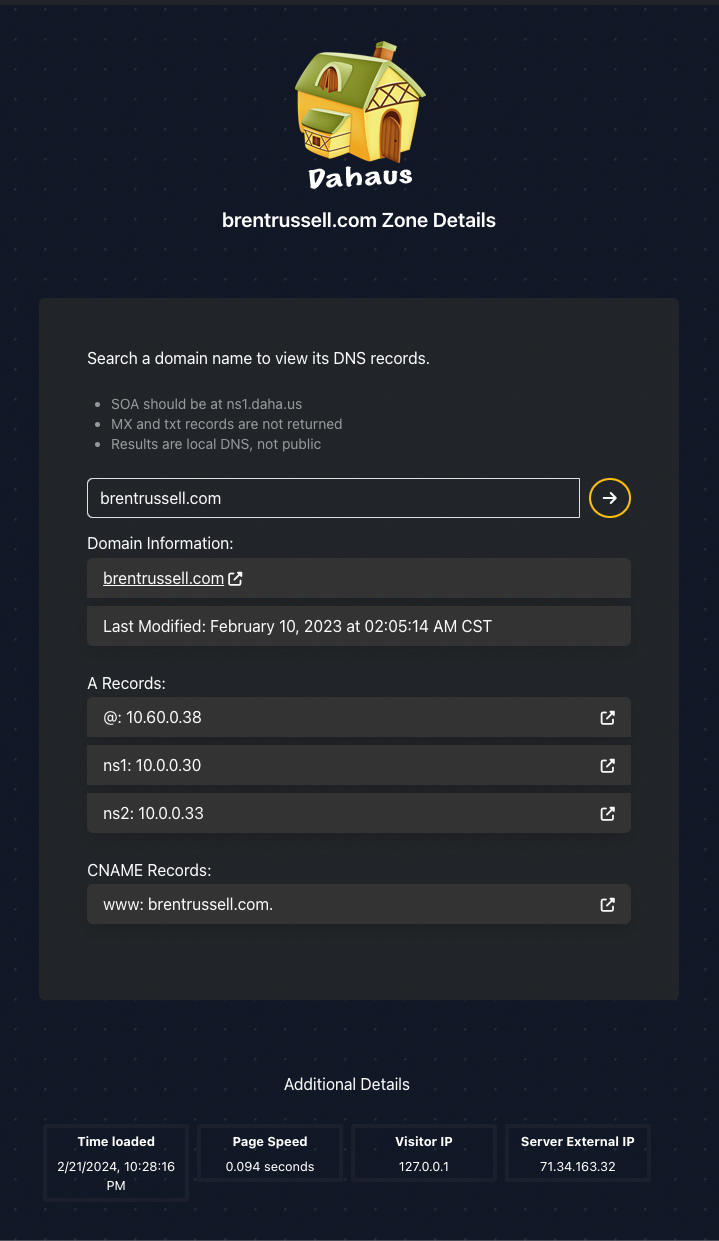
I have numerous DNS records for subdomains on various domains. It is challenging for me to remember all of them, so I often find myself SSHing into the DNS server to inspect zone files. This tool now allows me to query any domain and retrieve a list of all A records and CNAMEs. Natively, DNS servers do not respond with a list of all records, so I had to come up with another way to obtain this information. The solution was to create an API on the DNS server, which would parse the zone file and return records in JSON format. This API is technically part of the same project; however, it resides in a different repository: dns-dchpd-api
Not requiring all the features of Laravel for this API, I chose the Slim microframework for its lightweight simplicity. Slim is well-documented, has a large community, and many addons if needed, such as the slim/PSR-7 interface, which made REST API development a breeze. The first issue I encountered was CORS since the API was on a different domain. That was easily solvable by configuring Apache Access-Control-Allow-Origin headers. Now, I can query the API from my Laravel project and have easy access to DNS information.
Reverse Proxy Resolution
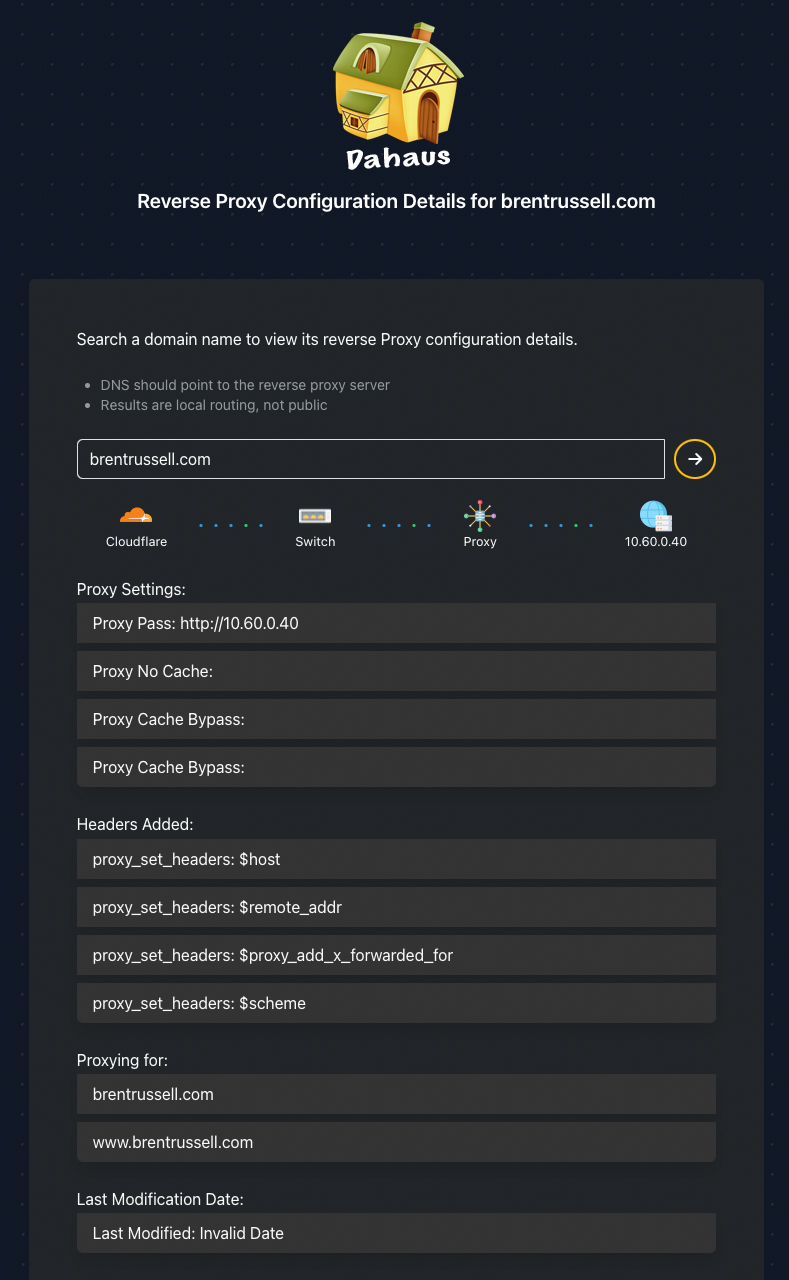
One of the most useful tools I added to the Network Control Console was the ability to show where the Nginx reverse proxy server was sending traffic. I have multiple web services running on my network and I often get confused which service is running on which server. Pinging the domain or looking at DNS only shows me the reverse proxy server's IP. I wanted to see the actual server IP and port the reverse proxy was sending traffic to. It also allows me to see any headers that were added to the request and if the site has caching enabled or not.
This required developing an additional API as the reverse proxy server is on a separate machine than the DNS functions. Again, I used the Slim microframework for this API. The API parses the Nginx configuration files and returns the server IP and port. I also had fun creating SVG animations which showed the direction of traffic between services..
Network Caching
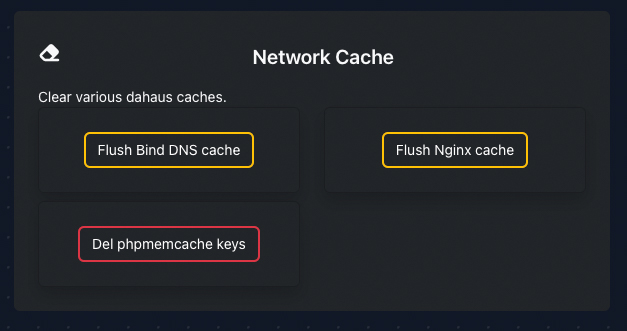
I have multiple systems that untilize cache on my network: DNS, Memcached, Nginx, and more. I wanted an easy way to clear these caches without having to SSH into servers. To accomplish this I was able to add additional endpoints to the APIs I had already deployed. I then made ajax calls to these endpoints to clear the cache.
There were some challenges and security issues that came up during this process:
- Performing commands to clear cache require sudo. Since there is nothing too sensitive on my network I elected to allow the www-data user access to run exact commands, including required flags, by adding www-data to the sudoers file.
- Clearing cache on an Nginx server simply requires removing cache files from a directory. However, for Nginx to recognize the cache has been cleared it must be restarted, that was something I was unwilling to allow the www-data user to do so this feature is disabled until I can implement password authentication.
Cloudflare DDNS Managment
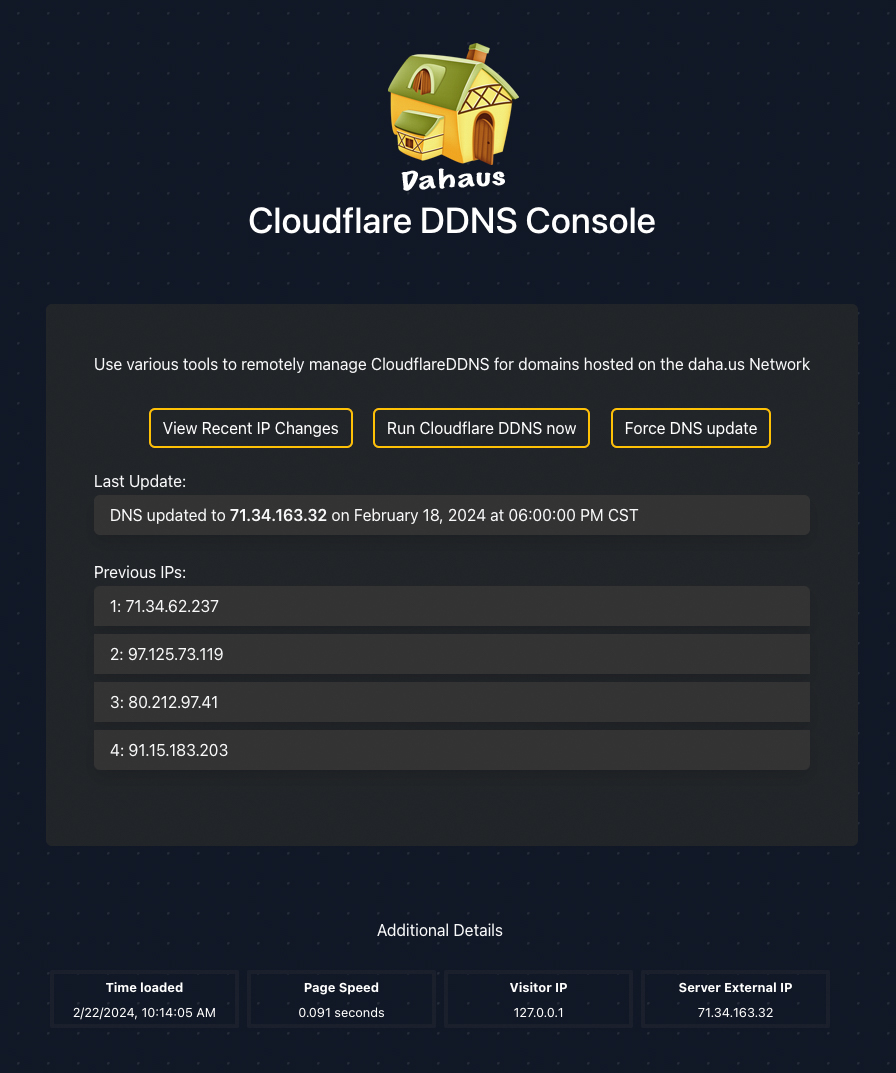
I recently created a Python project which automates updating my dynamic WAN IP in Cloudflare DNS records. You can read more about it on the cloudflareddns.com webpage. You can see the repository here.
At times, I find the need to review my WAN IP history. Fortunately, CLoudflareDDNS logs this information. However, the process of SSHing into the server to cat a log seems excessive only to see a few IP addresses. The Network Control Console now is able to hit another endpoint on the the same API used for Bind Zone Details component because both DNS and CloudflareDDNS are on the same server.
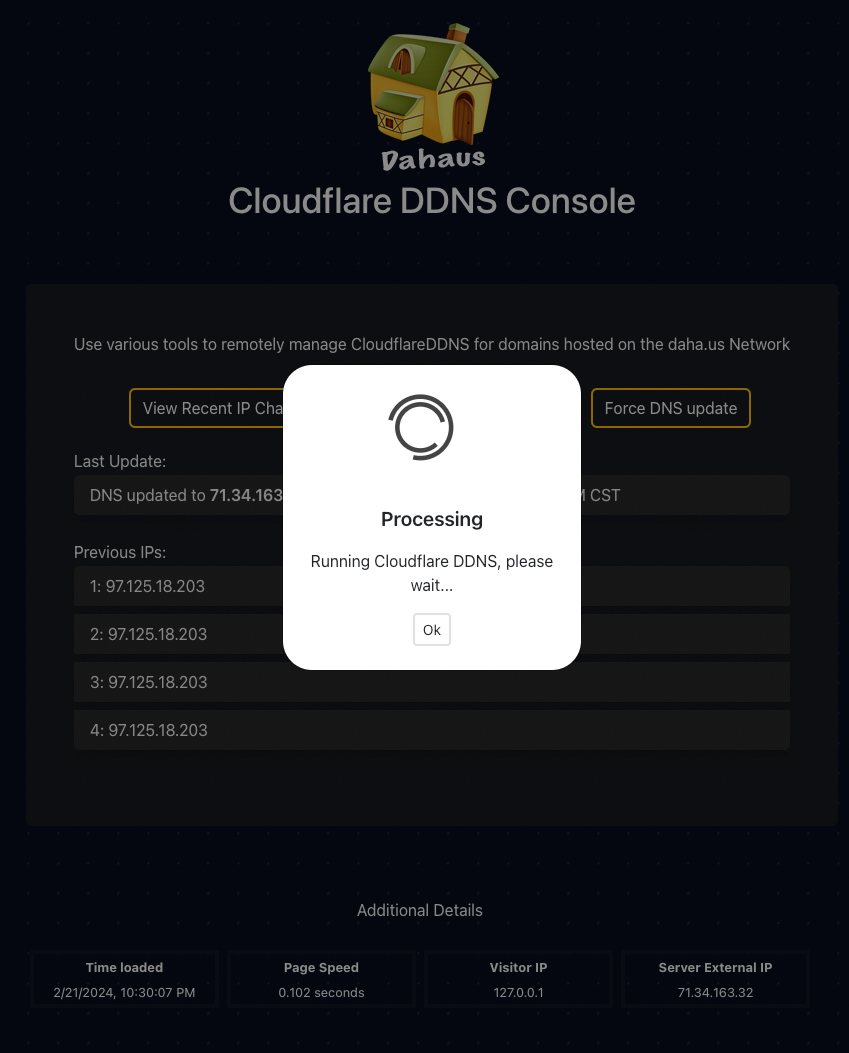
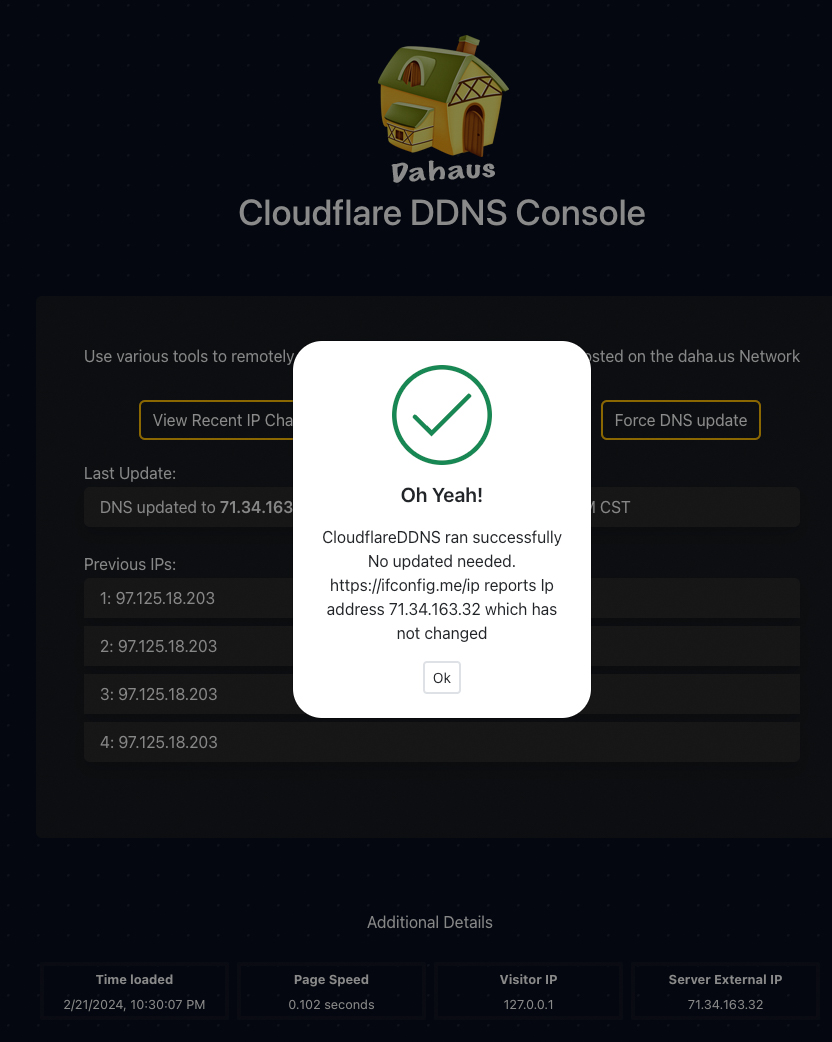
I wanted the ability to immediately run CloudflareDDNS after restarting my router as I knew the WAN had changed and did not want to wait for automation to take care of it. Additionally, I wanted the ability to force an update to all domains pointing to my network regardless if the WAN IP had changed or not. This was accomplished by adding the --force-update flag to CloudflareDDNS and making an Ajax call to it. Feature unlocked!
DHCP Leases
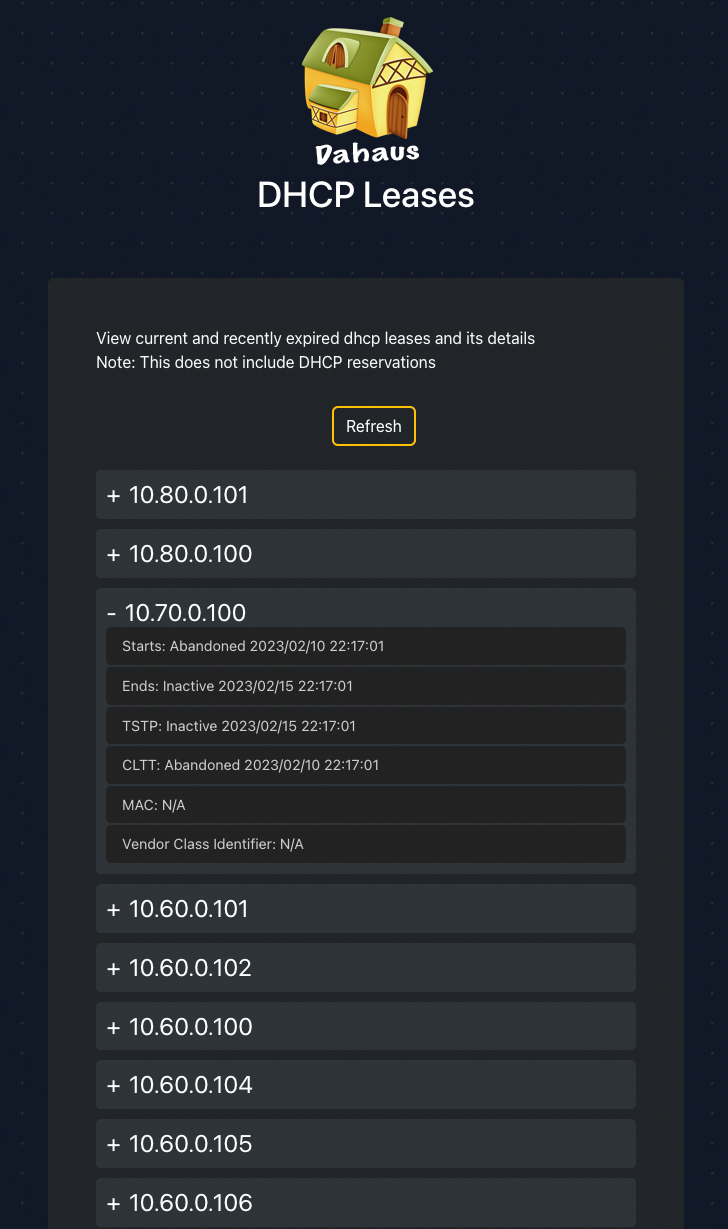
When things go wrong on my network, I often find myself SSHing into the DHCP server to see the current state of the leases. This component allows me to easily see all of the IPs that have been leased out and the current state of each lease directly from within the Network Control Console.
I have both Bind and DHCP residing on the same server allowing me to simply add an endpoint to the same API used for the Bind Zone Details component. An ajax request is made to the API which gathers all of the leases from the dhcp.leases file and returns it in JSON format. I then parse the JSON filtering irrelevant data and converting DHCP status codes for starts, ends, TSTP, and CLTT to words. Finally each IP is displayed in expanding and contracting containers to allow for easy viewing of the data.