PlanItPika
Description
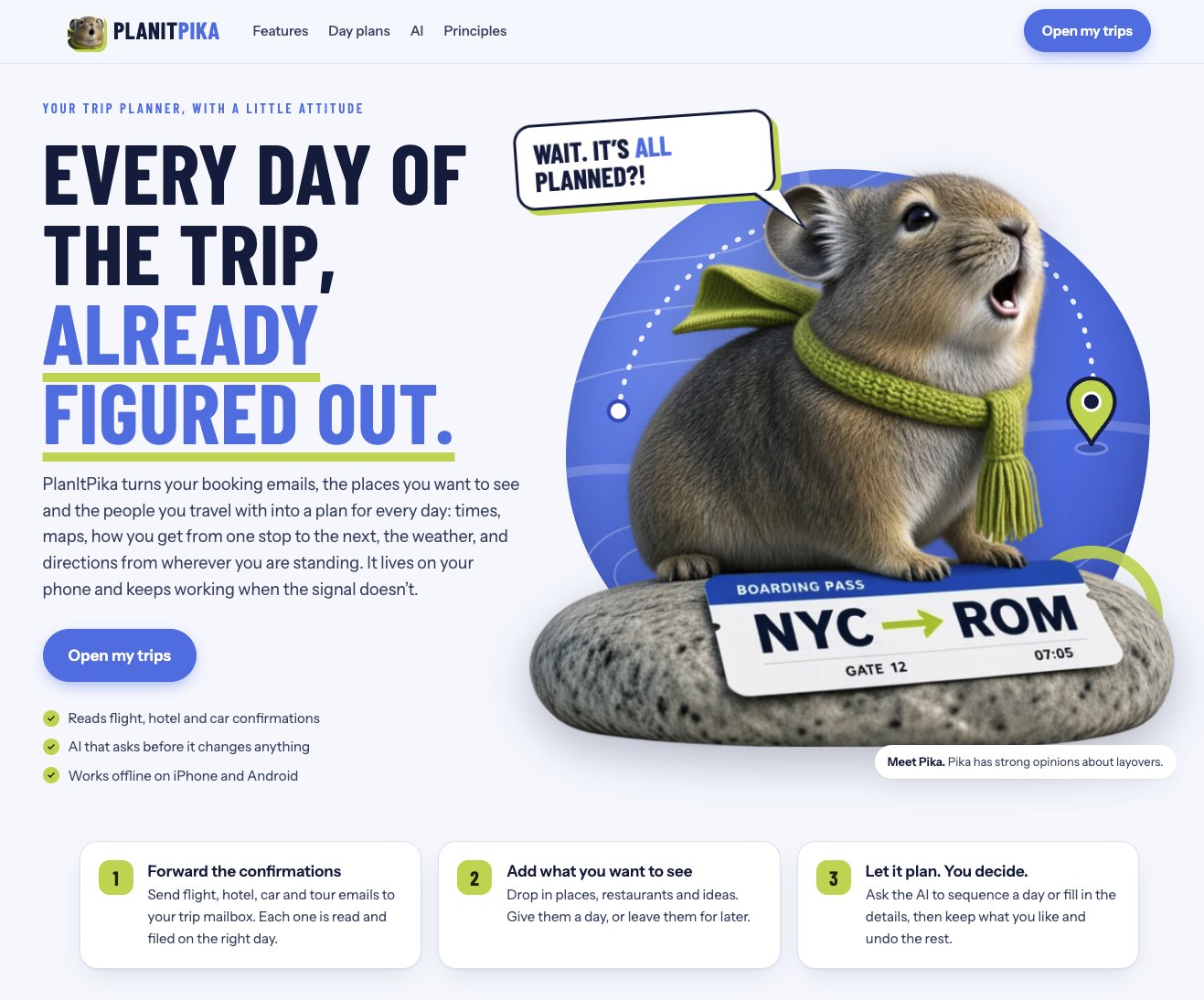
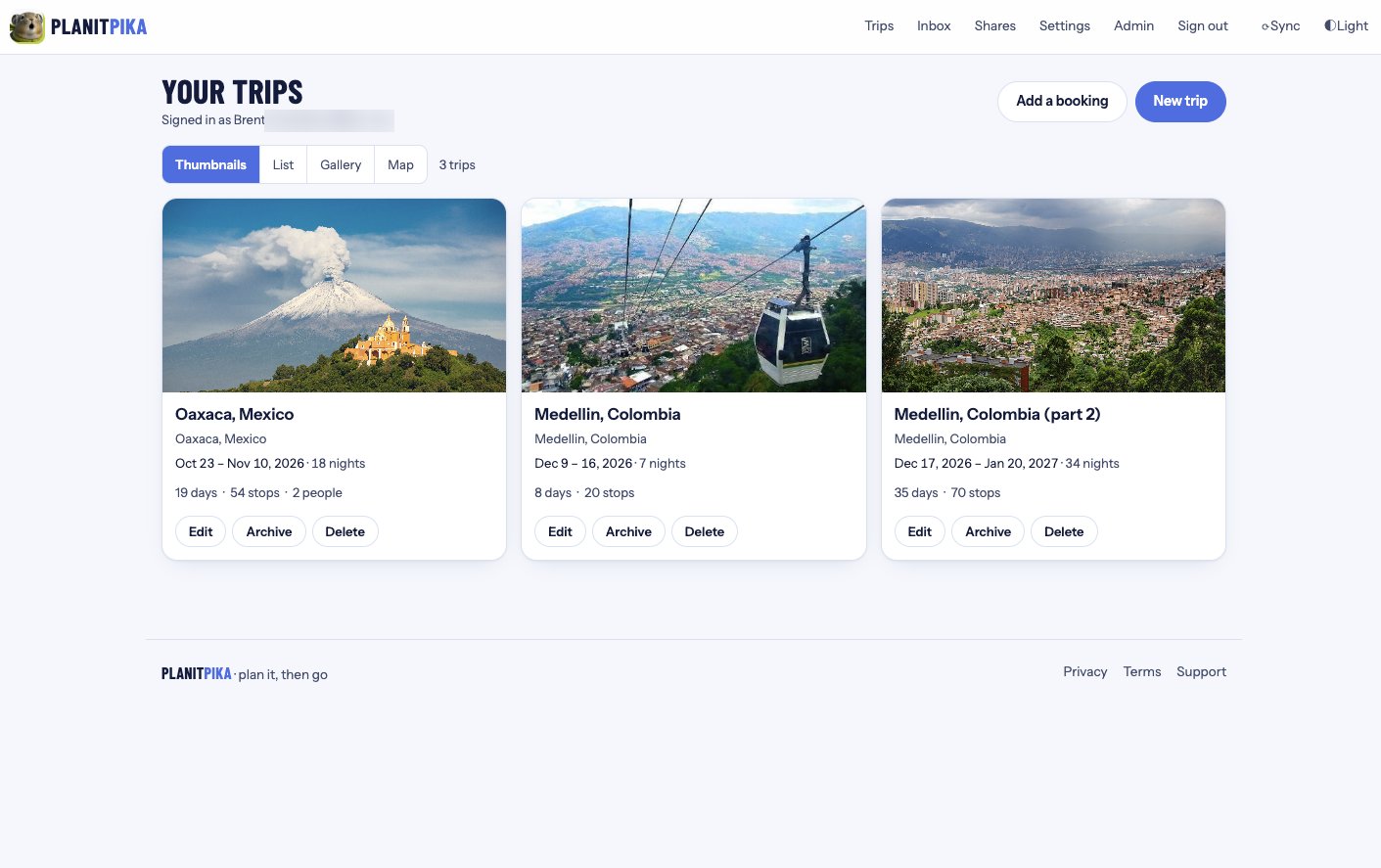
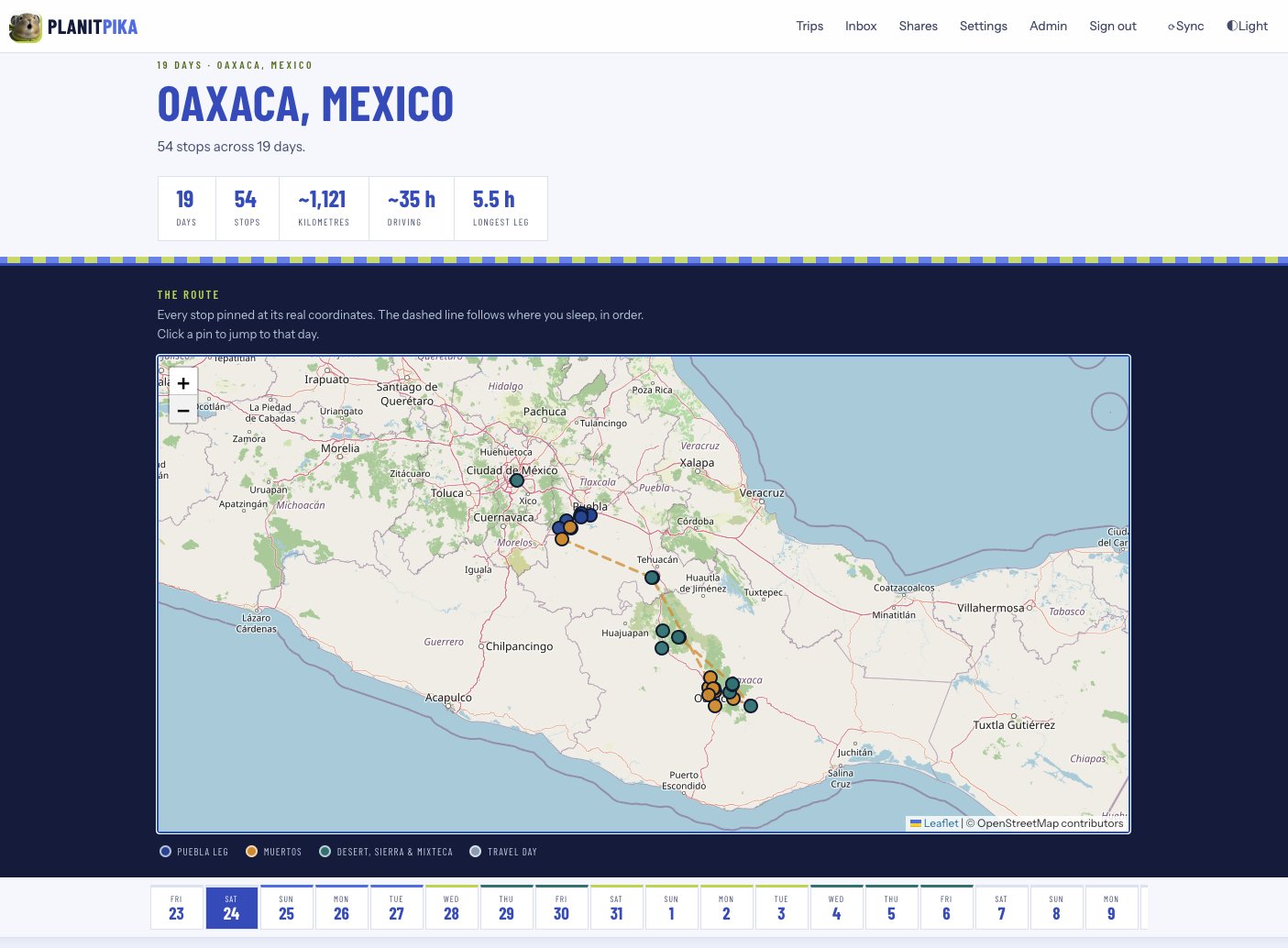
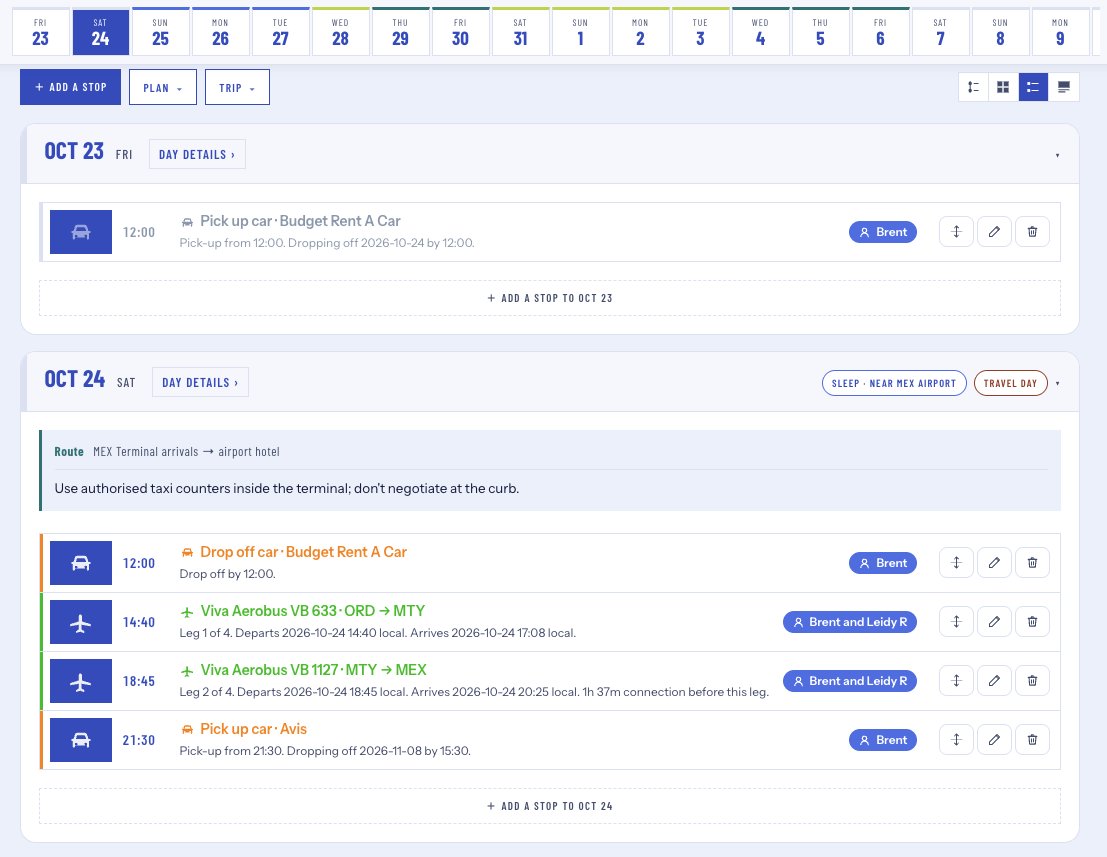
PlanItPika is a trip planner I built because I got tired of TripIt. Their pricing pushes you into a yearly subscription for things I consider basic, and the free version is missing everyday features like alerts for gate changes and delays, and a real day by day plan. I wanted one place that reads my booking emails, lays out every day of the trip with times, maps, travel between stops and weather, and keeps working on my phone when I have no signal. So I built it.
I wrote the first version by hand. Once I knew exactly how I wanted it to work, I had AI rebuild it using my code as the example to follow: my data model, my naming, my patterns. That let me keep the design decisions I had already made while moving a lot faster on the rest. It is a Next.js and TypeScript app that installs on iPhone and Android as a Home Screen app, syncs trips for offline use, and sends push notifications.
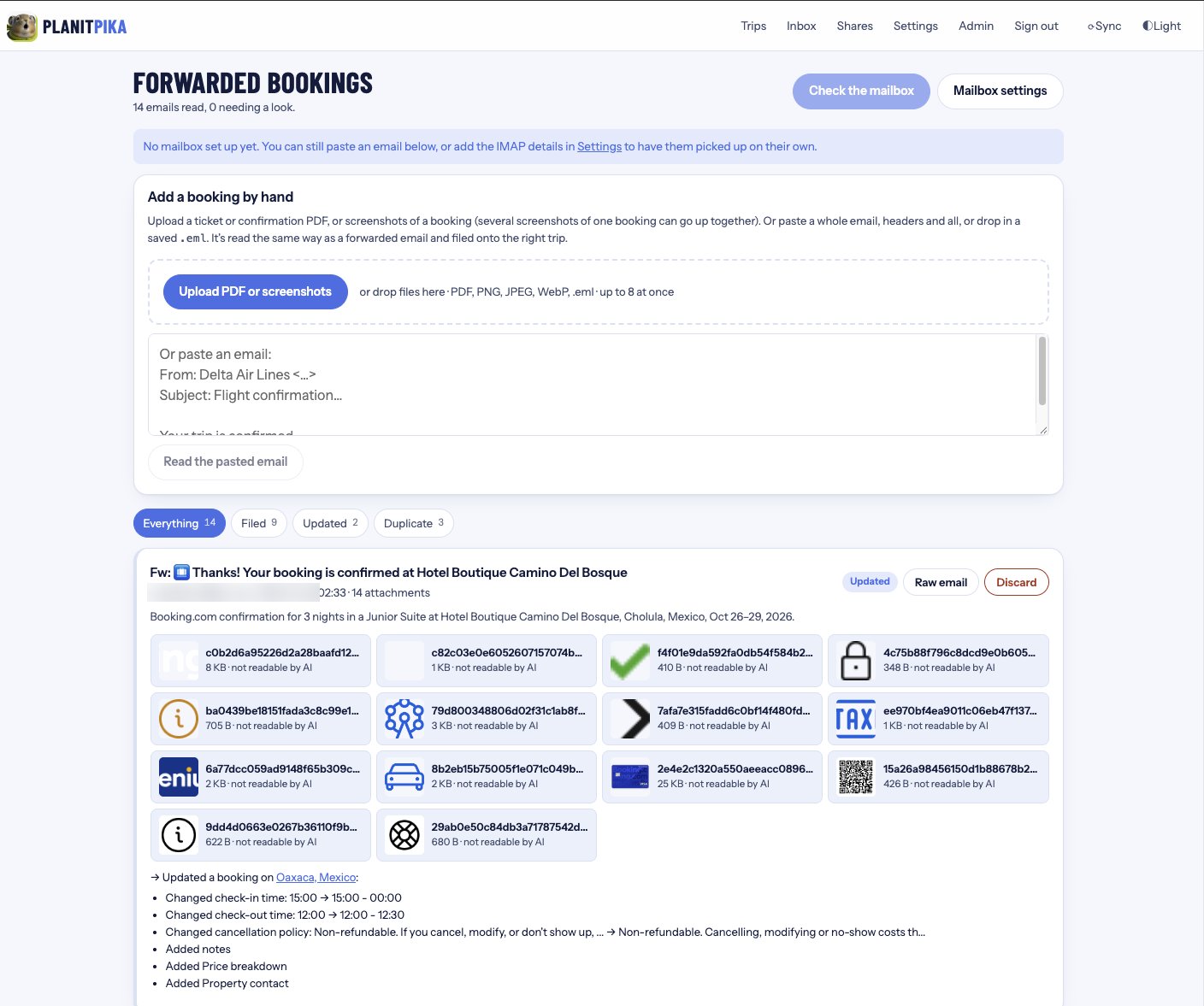
Getting bookings in. There are four ways. You can forward confirmations to [email protected] and they get filed on the right trip and the right day. You can connect your own mailbox over IMAP and PlanItPika reads it on a schedule (read only, it never marks anything as read or changes your mail). You can upload a ticket PDF or screenshots of a booking, up to 8 at once. Or you can paste the text of an email. Every path goes through the same AI extraction step, which pulls out flights, hotels, rental cars, trains, buses, and tours into structured data using JSON schema output, then matches it to a trip, merges it with what is already there, and shows exactly what changed (check in time moved, cancellation policy updated, price breakdown added). Duplicates are caught instead of filed twice.
Travel tracking. Flight, train, and bus legs are watched for gate changes, delays, and cancellations. When something changes you get a push notification on your phone, and you get a reminder a few hours before you leave.
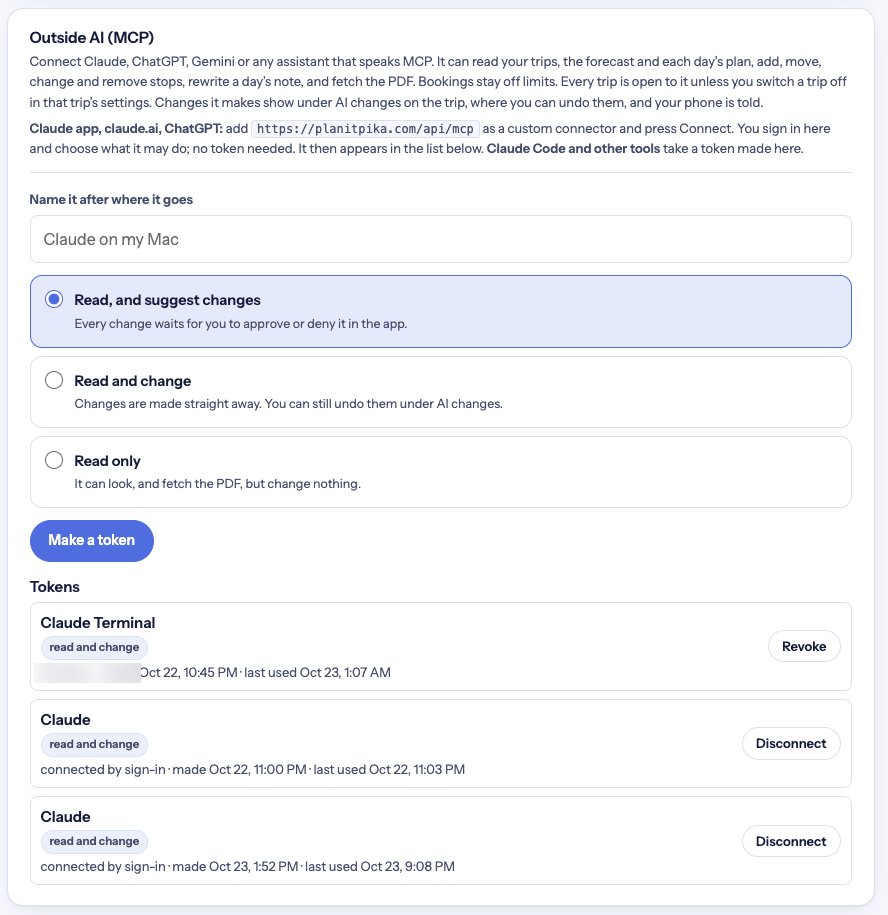
AI and MCP. This is the part I spent the most time on. PlanItPika runs its own MCP server, so you can use whatever AI platform you already like (Claude, ChatGPT, Gemini, or anything that speaks MCP) and add it as a connector. In the Claude app or ChatGPT you just paste the connector URL and sign in. That uses an OAuth 2.1 flow I built into the app, and you choose what the assistant is allowed to do. Developer tools like Claude Code use a token instead, and tokens are stored hashed.
Once connected, your assistant can list your trips, read a whole trip or a single day with its travel legs, pull the forecast, add, move, update and remove stops, rewrite a day's notes, get suggestions, and fetch the trip PDF. That means you can ask your AI "what does Tuesday look like and is it going to rain?" or "move the museum to the morning and find somewhere for lunch nearby" and it reads and changes your real trip data, along with the weather, without you ever logging in to PlanItPika.
Guardrails were a big part of the design. Each connection gets one of three permission levels: read only, read and suggest changes, or read and change. With suggest, every change the AI makes waits for you to approve or deny it in the app. With read and change, edits happen right away but are logged under AI changes on the trip, where any of them can be undone, and your phone is notified. Bookings are always off limits to outside AI, every change carries a short reason the traveler can see, and any trip can be switched off from AI entirely.
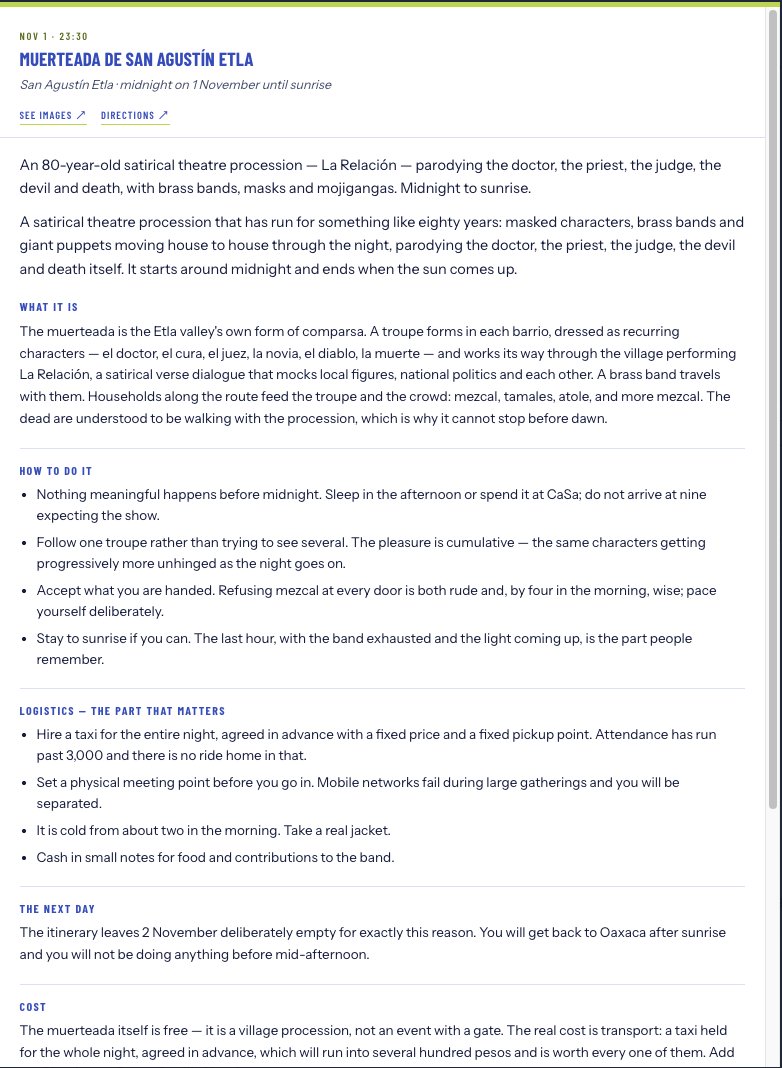
Inside the app, AI also writes day guides (what an event is, how to do it, logistics, what it costs), sequences a day's stops, and fills in details on places you want to see. It is not tied to one company. I wrote a provider layer so each user can pick Anthropic (Claude), OpenAI (ChatGPT), Google Gemini, or xAI Grok in Settings, and every AI feature follows that choice. Each provider has its own way of doing structured output, web search, and file input, and the layer handles those differences so the rest of the app does not care which model is answering.
AWS. Photos, uploads, raw emails, and attachments live in Amazon S3 with versioning on, so a deleted file can be brought back for 30 days. Nightly backups go to a separate versioned, encrypted bucket with daily and monthly retention, and CloudWatch alarms alert me if a backup fails or does not show up. Access is locked down with IAM roles and policies split by job: the app can only read and write its own files bucket, the backup process can upload but can never delete, and the email sender can only send from the planitpika.com domain. Inbound mail runs through Amazon SES: a receipt rule for [email protected] scans the message, drops it in S3, and notifies the app through SNS. The app only accepts mail that passes DMARC, and only from addresses a user has confirmed. SES also handles outgoing mail like sign up confirmations, with DKIM, SPF, DMARC, a custom MAIL FROM domain, and bounce and complaint handling set up.
Security. Two step sign in with authenticator apps, passkeys, and recovery codes, email confirmation for new accounts, login rate limiting, a strict content security policy, and a safe fetch wrapper for every URL a user or the AI hands the server.